
Band Space
How Band Space works: your band in one place, step by step
A simple guide from creating your space to songs with chords, rehearsal dates, gig setlists, riders and shared finances.
Ondřej ·

1. Create your band's space
Once you're logged in, open Space for my band and create a new Space. All you need is your band's name, city and a short description. You'll get a shared space that isn't a public profile or a group chat. It's a working board for the people actually in your band.
The home page shows what's coming up: rehearsals, gigs, ongoing tasks and other things that would otherwise get buried in messages.
- One band, one shared overview.
- Each member uses their own account.
- Band Space is free for now.
2. Invite the other members
Once you've created your Space, you'll get a simple band code. Send it to your bandmates so they can join. No need to set up access for each person or share your password.
Everyone sees the same content and can add dates, notes, songs or tasks. That way, organising everything doesn't fall on just one person.
3. Develop a song from the first idea
In Songs and ideas, create a song and add its title, tempo in BPM, key and status. Then add sections — an intro, verse, chorus or a custom section. You can write chords directly above each line of lyrics.
Drag song sections into the right order. Others can vote for the idea and leave specific notes. When the song is finished, mark it as Done and it'll appear in the Library automatically.
- Chords sit directly above the lyrics.
- Drag and drop to reorder verses and choruses.
- See the vote count and your bandmates' notes for each idea.
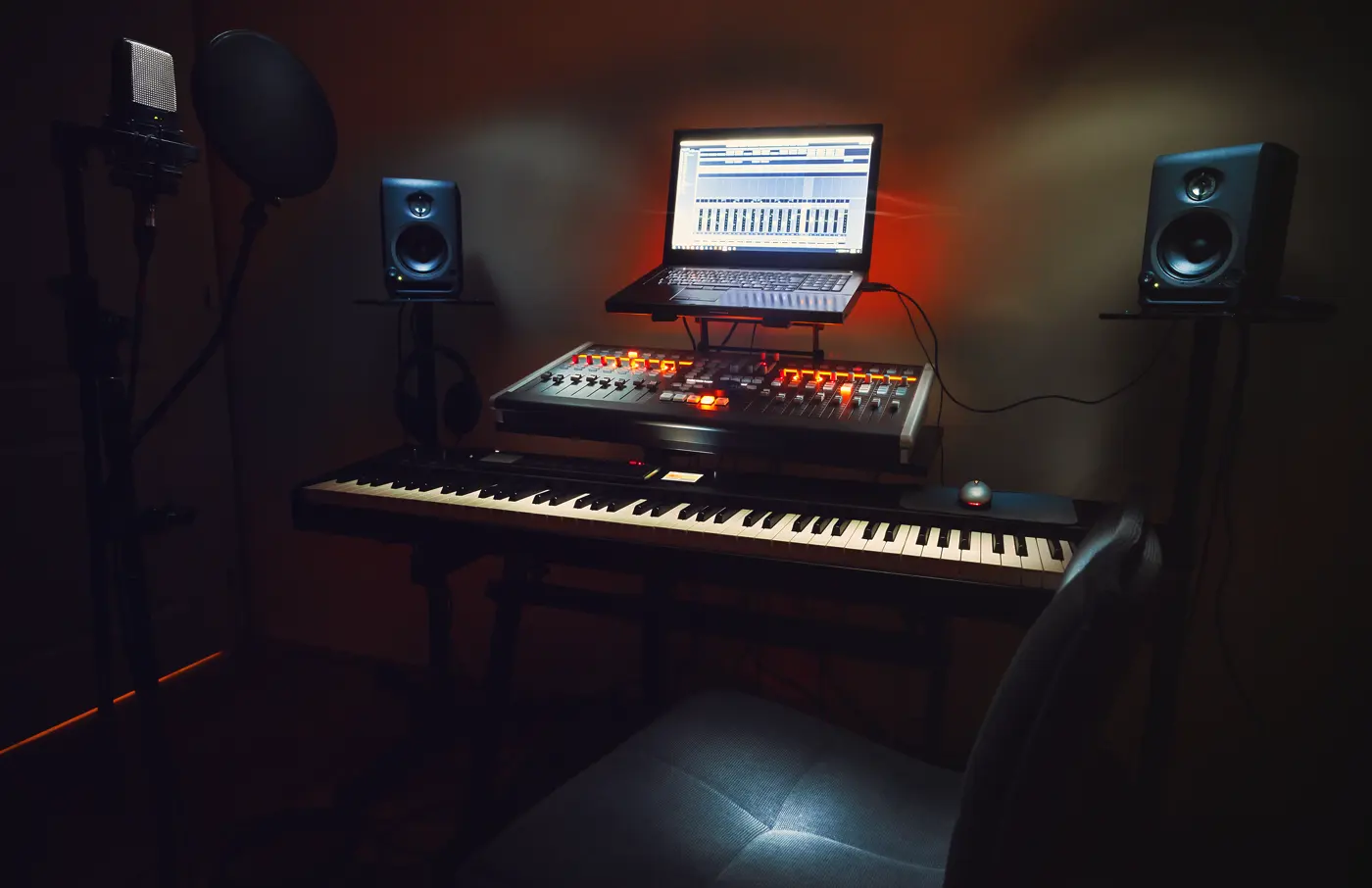
4. Keep finished songs in the Library
The Library is an overview of the songs your band considers finished. Each song keeps its title, key, tempo, lyrics and chords. If you make changes later, you won't have to hunt through several documents for the latest version.
The Library is handy for new bandmates too. They get everything they need to prepare for their first rehearsal in one place.
5. Vote on a rehearsal date
In Polls, anyone can suggest a date for the next rehearsal. The others simply mark when they're free. See the best date without reading dozens of messages, then close the poll when you're done.
Then add the confirmed date, location and attendance in Rehearsals. Everyone knows when to show up and what's agreed.
6. Share out the tasks
Tasks is for everything beyond playing: contacting a venue, ordering strings, making a poster or transporting gear. Assign a person and a deadline to each task. Tick off completed tasks and drag to reorder them.
It's not about running your band like a business. It just makes it clear who promised what and what's coming up.
7. Build a custom setlist for each gig
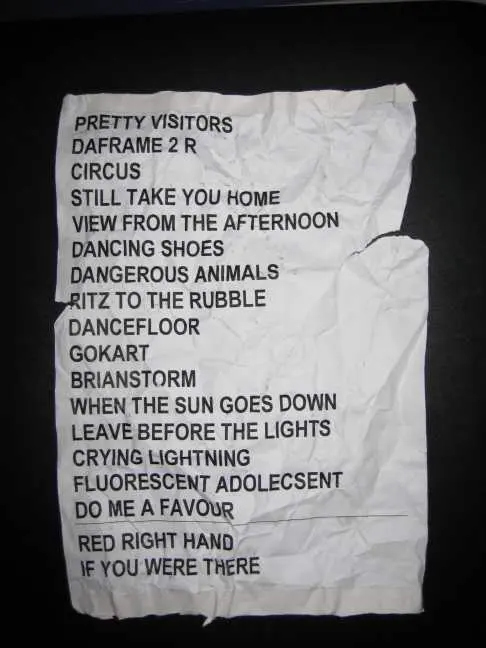
Save the date, location and basic details for a gig. Then open its setlist. Pick songs straight from the Library, or add a custom title — maybe a cover, intro or encore that isn't in your library.
Drag songs into the order you'll play them. Every member sees the same up-to-date version before the show.
8. Prepare a clear rider for the organiser
In Rider, list what your band needs: inputs, microphones, monitors, backline, stage setup and any other requirements. Add items manually and drag them between sections. If all you have is a jumble of notes, a single lightweight AI request can tidy them up.
Generate an image from your finished rider and send it to the organiser. They don't need a BandUp account and get a readable summary instead of a long message.
9. Track your gear and shared funds
In Hardware, list your gear, cables and other equipment, who owns it and what needs fixing or buying. When gear moves from the rehearsal room to a gig, you can quickly see what's what.
Finances keeps rehearsal room contributions, gig income and other expenses in one place. Charts help you quickly see where the money goes and who's paid their share.
Where Band Space helps most
Band Space doesn't replace playing together or talking things through. It helps when information starts getting lost between chats, phone notes and bits of paper in the rehearsal room. Everyone can check the latest without asking “what did we agree on again?”.
Start with just what you need right now. On day one, that might be one song and a rehearsal poll. Add the other sections when they become useful.
FAQ
Je Band Space zdarma?
Yes. Your band can use all currently available sections for free. Another plan with new features and an ad-free experience is in the works.
Does each member need their own account?
Yes. The bandleader creates a Space and sends the code to everyone else. Each member joins with their own account.
Can I write chords directly above the lyrics?
Yes. Each song section has a chord line above the lyrics, and you can drag sections to reorder them.
Can I create a setlist for a specific gig?
Yes. Pick songs from your Library or add your own titles, then drag to reorder them.
How do I send my rider to the promoter?
Organize your requirements into sections and download them as a clear, easy-to-share image.